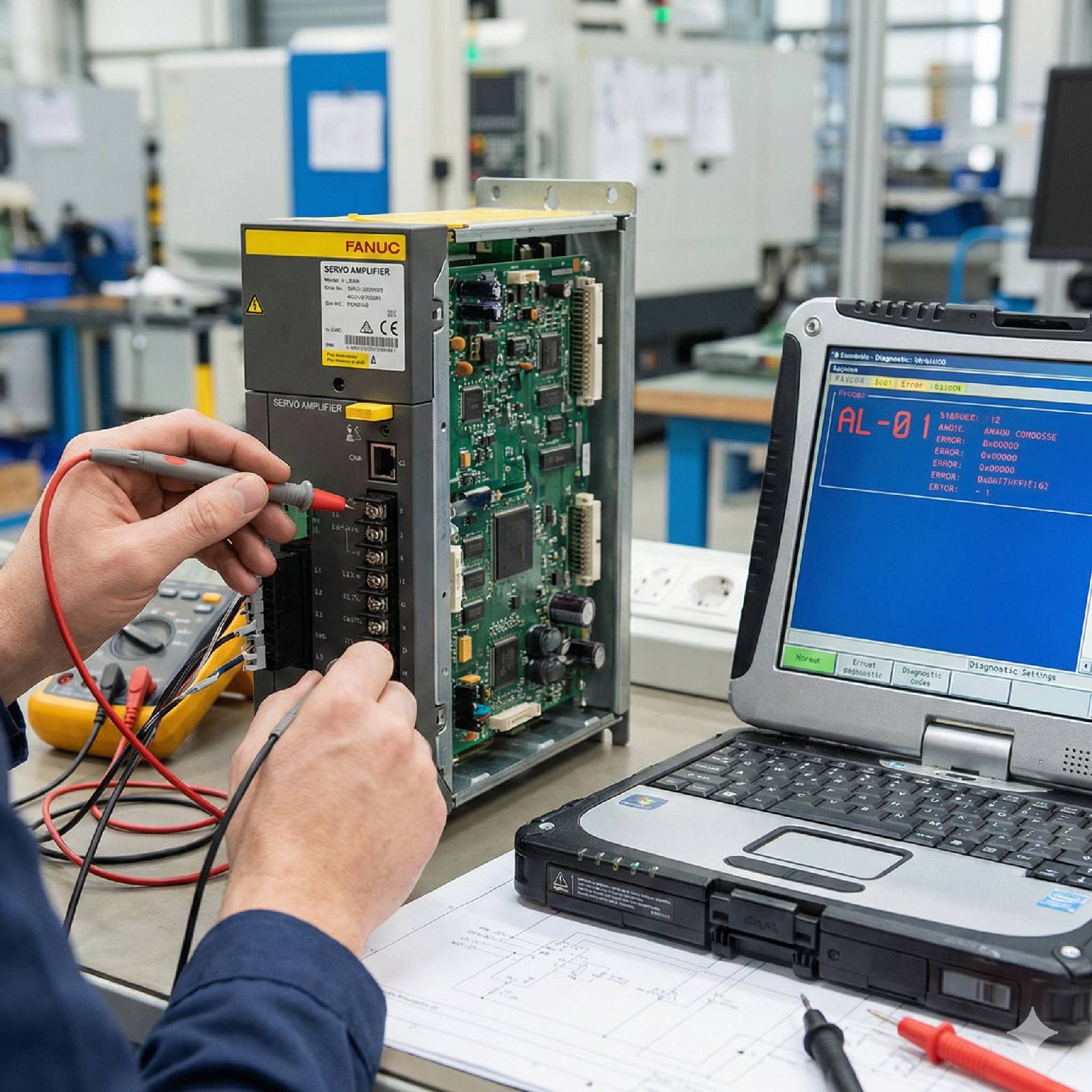
FANUC CNC Ethernet Communication Failure – Troubleshooting and Solutions
Overview
Ethernet communication issues in FANUC CNC systems often prevent data exchange between the machine and external software, including DNC systems and FOCAS-based applications.
Common problems include connection timeout, intermittent disconnection, and API communication errors.
Common Communication Symptoms
Root Causes
1. Incorrect IP Configuration
Mismatch in IP address, subnet mask, or gateway.
2. Firewall or Port Blocking
Required communication ports may be blocked by firewall settings.
3. Incompatible FOCAS SDK Version
SDK version not aligned with CNC system firmware.
4. Physical Layer Problems
Damaged Ethernet cable or unstable network switch.
5. Electrical Interference
Industrial environment causing signal degradation.
Step-by-Step Diagnostic Process
Step 1 – Verify Network Settings
On the CNC control panel:
Step 2 – Ping Test
From the PC:
Ping the CNC IP address.
Step 3 – Port Verification
Use a port testing tool to confirm required communication port is open.
Step 4 – Direct Connection Test
Connect PC directly to CNC via Ethernet cable to eliminate switch/router issues.
Step 5 – FOCAS SDK Testing
Run a basic sample program provided by FANUC.
Check detailed error codes returned by API.
Best Practices for Stable CNC Networking
Conclusion
FANUC CNC Ethernet communication failures typically stem from configuration errors or physical network instability. Systematic verification of network parameters and communication ports ensures reliable integration with external systems.
Article 3
Title: FANUC CNC Zero Return Failure – Causes and Corrective Actions
Meta Description:
FANUC CNC zero return failure troubleshooting guide. Learn how to diagnose encoder issues, reference return errors, and parameter problems affecting axis homing.
FANUC CNC Zero Return Failure – Diagnostic and Repair Guide
Overview
Zero return failure in FANUC CNC machines prevents proper axis referencing after startup. Without successful homing, program execution is restricted for safety reasons.
This issue may be electrical, mechanical, or parameter-related.
Common Symptoms
Primary Causes
1. Encoder or Absolute Position Loss
Battery depletion leading to position memory loss.
2. Incorrect Reference Parameters
Improper reference return parameter settings.
3. Limit Switch Malfunction
Damaged deceleration switch or limit switch.
4. Mechanical Obstruction
Axis unable to reach reference marker.
Diagnostic Procedure
Step 1 – Check CNC Battery Voltage
Low battery can erase absolute position data.
Replace battery if necessary and re-establish reference.
Step 2 – Inspect Encoder Connections
Ensure encoder cable is secure and undamaged.
Step 3 – Verify Reference Return Parameters
Confirm correct grid shift and reference offset parameters.
Step 4 – Inspect Limit and Deceleration Switches
Test switch operation manually.
Ensure no mechanical obstruction prevents movement.
Preventive Maintenance Recommendations
Conclusion
FANUC zero return failures are commonly related to encoder data loss or parameter misconfiguration. Careful verification of electrical, mechanical, and configuration factors restores proper homing function and prevents repeated downtime.